

Hi everyone, welcome back — I’m Cifer, and happy New Year 🎉
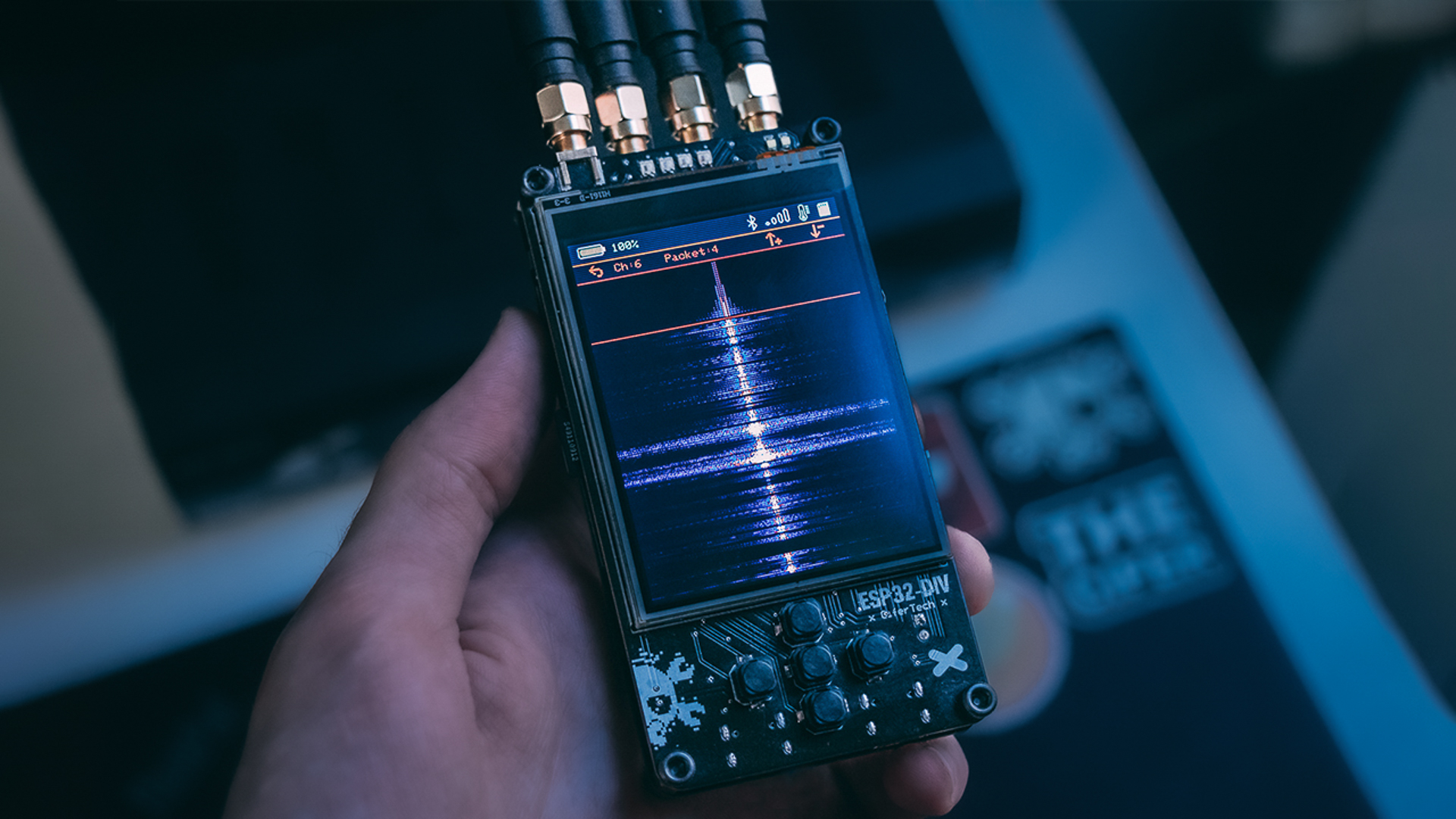
I’m finally back with ESP32DIV v2.
This project has easily become one of the most talked-about things I’ve built. I get messages about DIV almost every day — questions, ideas, feature requests — and it’s clear this device has grown into something much bigger than a single experiment.
After version one, I released multiple firmware updates, but I never really had the chance to sit down and properly show everything that changed. You already knew about the hardware redesign, so this post focuses on two things:
-
1. Finalizing the hardware evolution
-
2. Walking through what the firmware has become
ESP32DIV was never meant to be just one tool. It was designed as a platform.
🔩 Hardware — Final Adjustments
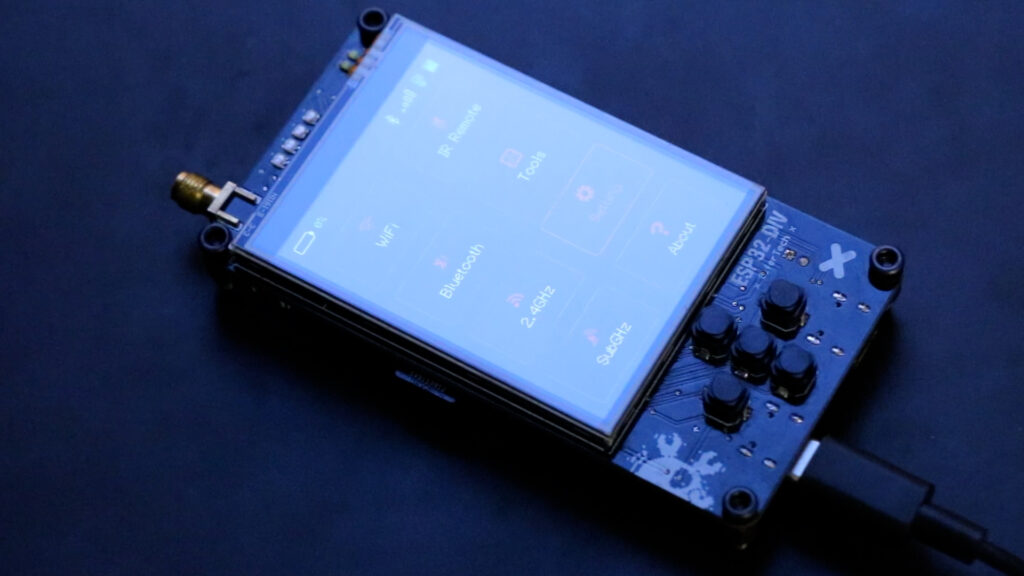
Most of the hardware details were already covered in previous videos, so here I’ll focus on the final changes that shaped v2.
-
• Buttons: I switched to soft tactile switches — the same ones I used in RFClown and TamaFi. Once I started using them, there was no going back.
-
• Buzzer: Added for feedback. It shares a GPIO with the battery voltage divider, so using it is optional.
-
• ESP32-S3: The biggest upgrade. It solved many pin-conflict issues from the previous version and unlocked new capabilities, making firmware cleaner and hardware expansion easier.
-
• Battery charging: IP5306 now handles charging reliably, with a boost converter. The only remaining limitation is that detailed battery data via I²C isn’t fully working yet.
-
• Other components:
-
– SD card reader, heavily used throughout the firmware
-
– CP2102 for USB flashing
-
– Four WS2812 NeoPixels instead of a single large LED, giving better feedback
-
🧩 The Shield — Where ESP32DIV Really Grows
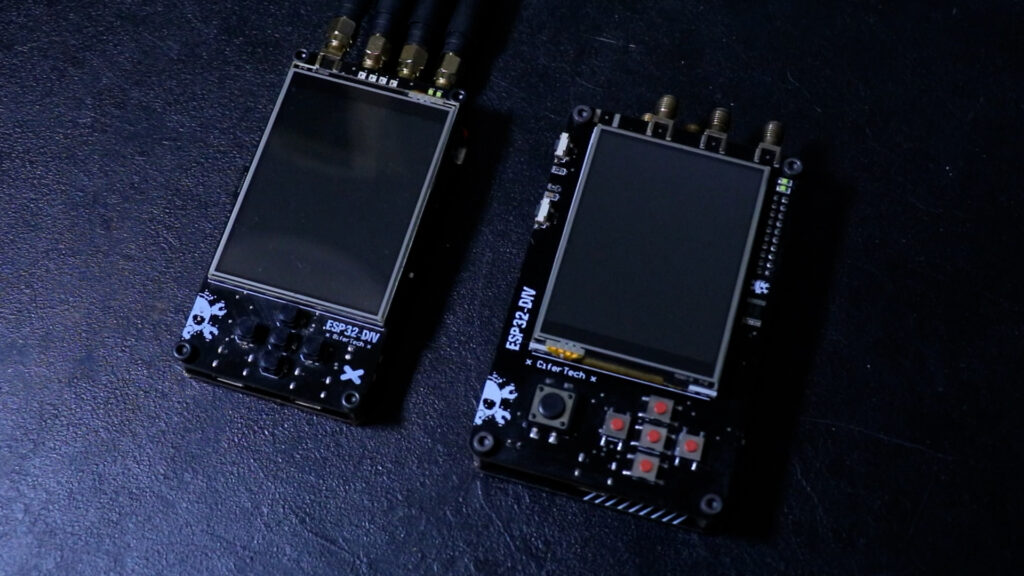
The core board is now stable — intentionally boring. Experimentation happens on the shield.
The shield includes:
-
• Three NRF24 modules
-
• CC1101 Sub-GHz radio
-
• Multiple antennas
-
• Infrared
I initially picked the wrong IR receiver, so I built a DIY one to continue testing. The corrected version is now on GitHub.
A defining detail of v2 is the use of pogo-pin headers. These spring-loaded contacts make ESP32DIV thin and allow clean stacking without bulky connectors.
🧠 UI Philosophy — Consistency Over Cleverness
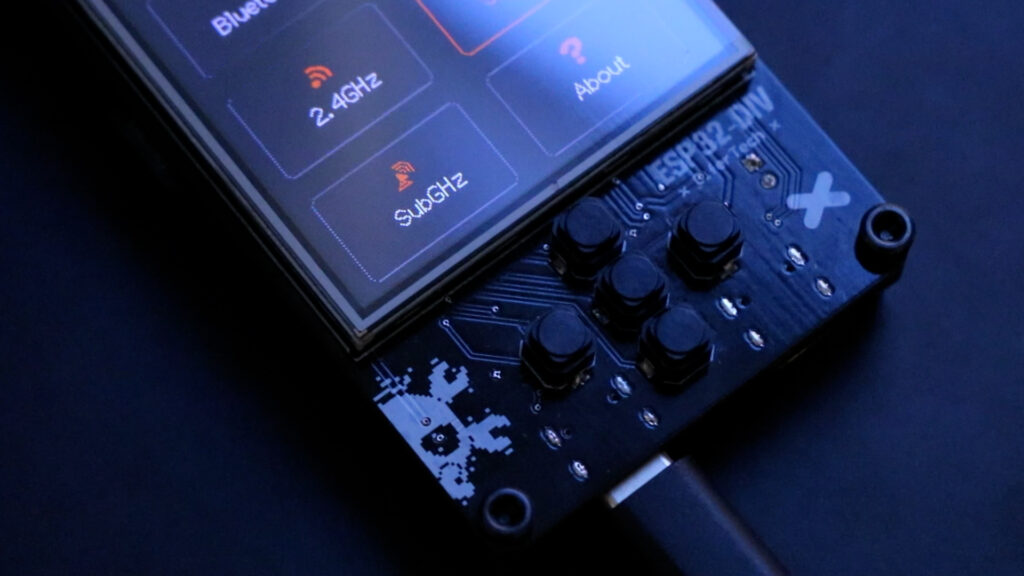
The interface is organized into top-level categories: Wi-Fi, Bluetooth, 2.4 GHz, Sub-GHz, Tools, and Settings.
Almost every feature follows the same structure:
-
• A setup function initializes hardware and draws the UI
-
• A loop function runs continuously
-
• A global
feature_exit_requestedflag handles clean exits
This consistency makes behavior predictable and simplifies adding new features.

📶 Wi‑Fi — Observe, Then Interact
📡 Packet Monitor
Listen-only Wi-Fi tool in promiscuous mode with PCAP logging to SD card.
🔍 Wi-Fi Scanner
Active scanning of nearby networks, background scanning enabled.
🛡️ Deauth Detector
Defensive tool that flags hidden SSIDs, duplicate networks, or unusual channels.
⚠️ Wi-Fi Deauther
Demonstrates risks of unauthenticated management frames and why modern protections exist.
🌐 Captive Portal
ESP32 runs as AP + DNS + web server. Clone networks, force sign-in pages, all before HTTPS/authentication.
💥 Beacon Spammer
Floods airwaves with fake Wi-Fi access points. Options for targeting specific APs or generating random ones — great for testing or chaos in a lab.
🔵 Bluetooth (BLE) — Trust Is the Attack Surface
📡 BLE Sniffer
Scans BLE advertisements, tracking MAC, RSSI, packet count, and last-seen time. Suspicious devices are highlighted.
⌨️ BLE Rubber Ducky
Acts as a BLE keyboard and executes SD card scripts. Keys are released and advertising stops on exit.
🎭 BLE Spoofer
Sends crafted BLE advertising packets to impersonate devices.
🍏 Sour Apple
Apple-focused BLE spoofing targeting AirDrop/Continuity behavior.
📵 BLE Jammer
Demonstrates BLE-band interference in controlled environments.
📊 2.4 GHz — Seeing the Invisible
📈 2.4 GHz Scanner
Measures energy across channels and displays a spectrum graph.
⚡ Protokill
Disrupts 2.4 GHz protocols like Wi-Fi and Zigbee for testing or stress scenarios.
📡 Sub‑GHz — Legacy & Control
🔁 Replay Attack
Capture and retransmit legacy RF signals. Auto-scan mode detects active signals.
⚡ Sub‑GHz Jammer
Disrupts communication on selected frequencies or sweeps automatically.
💾 Saved Profiles
Stores captured signals with names for reliable replay and safe management.
📺 Infrared (IR) — Capture, Visualize, Reuse
🔄 IR Replay Attack
Capture real IR remote presses, visualize, replay, and save to SD.
📂 IR Saved Profiles
Browser for IR captures, preserving signal and carrier frequency for accurate retransmission.
🧰 Tools & Settings — The Glue
Settings: Control brightness, UI theme, NeoPixel behavior, and background scanning. All settings are saved to a JSON file on the SD card.
Tools:
-
• Serial Monitor
-
• Firmware Update
-
• Touch Calibration
Simple, but essential.
🧡 Sponsored by NextPCB
Big thanks to NextPCB for supporting this project!
If you’re building your own ESP32-DIV or any other PCB project, I highly recommend NextPCB for fast, reliable, and affordable PCB manufacturing and assembly.
🛠️ Get your boards made here → https://www.nextpcb.com
💻 Code & PCB
If you’re interested in building this project, the code and schematic are available on GitHub. Simply visit the GitHub repository to download the necessary files. Feel free to test the code and share your feedback or improvements.
GitHub repository: github.com/cifertech/ESP32-DIV
🚀 Final Thoughts
These were just some of the features — mainly the ones that are new or significantly changed.
ESP32DIV is my favorite project so far, and I’m not done with it.
More features are coming, bugs will be fixed, and there’s always room for improvement.
This project isn’t finished — it’s evolving.